

The Ultimate Favicon Solution for Websites
For low-frequency but critical tasks, we don't need more options—we need a definitive answer.
The time spent searching for tools often exceeds the time spent using them. For low-frequency essentials, we don’t need more choices—we need a standard answer.
0x0 Introduction: The “Time Black Hole” of Mundane Tasks#
In the long checklist of independent development, there are always those inconspicuous little tasks—like a grain of sand in your shoe.
I just completed an elegant website architecture, wrote complex backend logic, and was ready to wrap up when I got stuck on the final step: uploading a Favicon (website icon).
What should be a 1-minute task often turns into 30 minutes of torment due to various technical hurdles:
The cognitive resources consumed by this “search + trial-and-error + correction” cycle often far exceed the time spent designing the icon itself.
For low-frequency but essential operations like this, we don’t need “more options”—we need a validated “standard answer.”
0x1 Where Does the Time Go?#
Why do I strongly recommend standardizing specific tools in your workflow? Let’s audit the efficiency gap between “random searching” and “standardized processes” with a logic diagram:
The left flow is filled with uncertainty (entropy)—each click is a gamble. The right flow is linear and deterministic.
Master-level efficiency comes from eliminating these unnecessary micro-decisions.
0x2 The Ultimate Solution: favicon.io#
For favicon needs, I recommend only one tool. Bookmark it now and end all future searching.
Tool Name: favicon.io ↗
This isn’t just a simple converter—it’s a comprehensive icon solution for all platforms.
Standard Operating Procedure:
- Upload: Upload a high-res PNG (512x512 or larger recommended).
- Config: Fine-tune platform-specific display (background color, padding) in the visual interface.
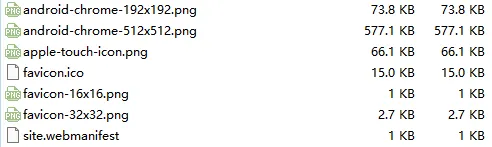
- Generate: Click generate, download the package, copy the HTML code.
0x3 Deep Thought: The “Silent BGM Effect” of Tools#
The reason I’m dedicating a post to this small tool is that it perfectly embodies my definition of a great product: “Silent BGM” (Background Music).
Great development tools work the same way:
- No Showboating: No flashy UI, no forced feature presence.
- No Interruption: No additional learning curve required.
- Present When Needed: Only when you need it does it solve your problem at maximum speed, making your development flow smooth and elegant.
As we build our own systems, we should aim to collect more of these “silent BGM” tools.
Bookmarking it isn’t just about saving a URL—it’s about confidently skipping meaningless vetting time the next time you face tedium, reserving your mental energy for code that truly matters.
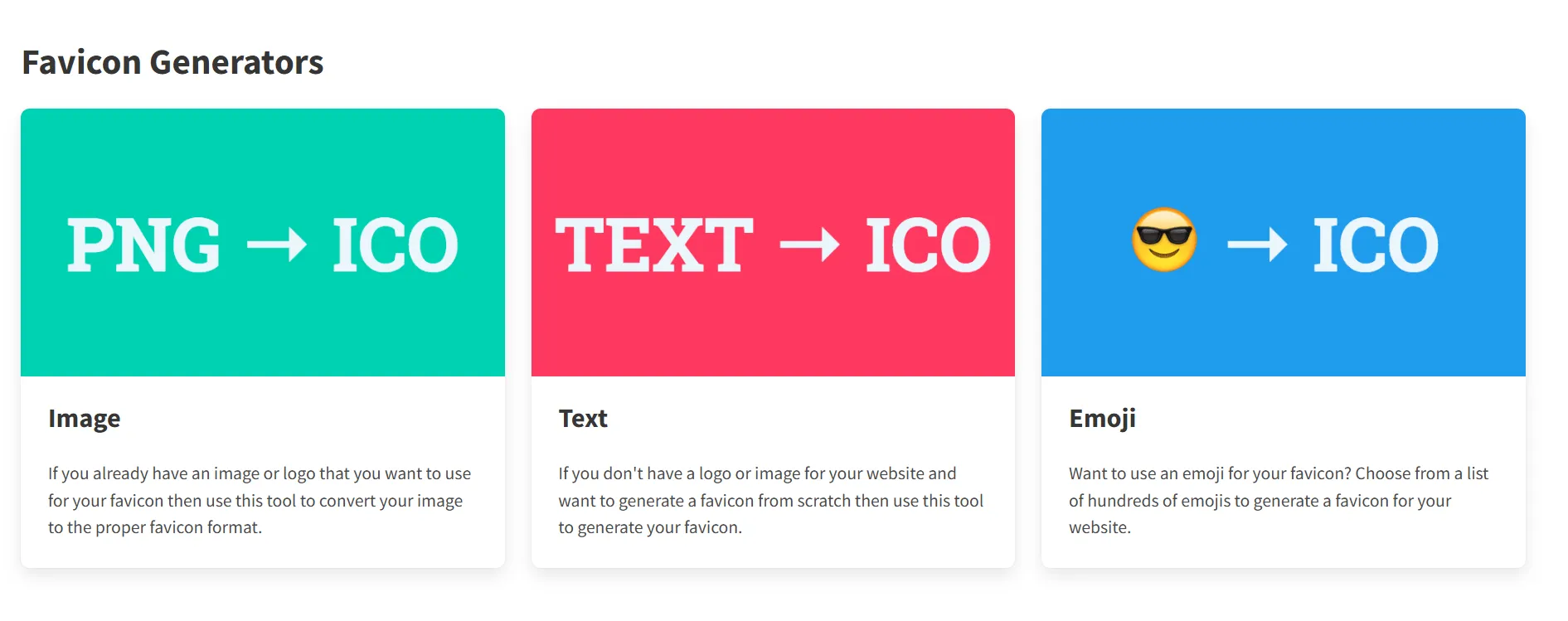
Pro tip: It supports not just images, but also text and Emoji.
Trading Notes: Halving TCL Technology, Clearing 2x Long Hang Seng
Trading Log: Re-entering TCL at ¥4.68